Open Manage Branches Page
Follow the steps below to open the Manage Branches page.
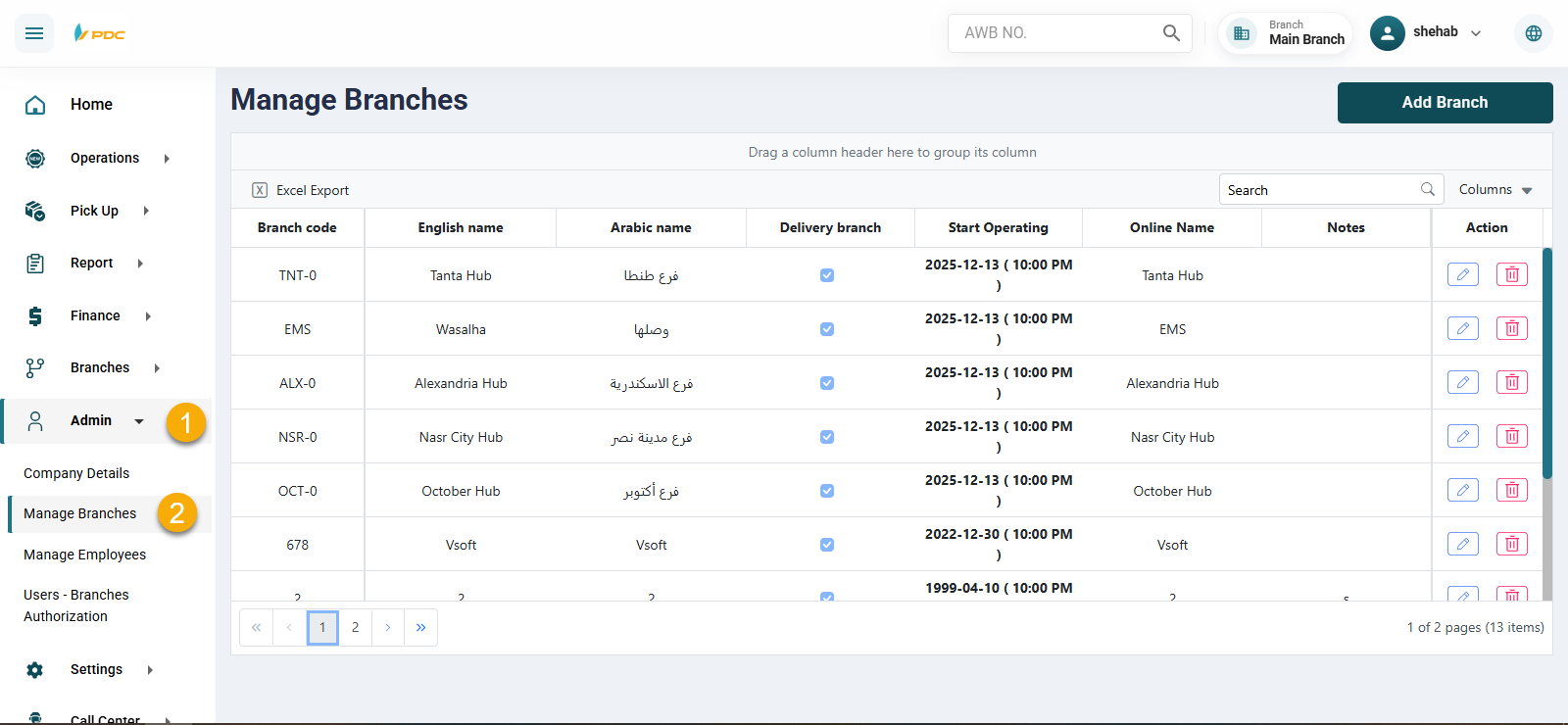
- Go to the
System Datasection from the sidebar. - Click on
Manage Branches.
The branches page will open, from which you can view, edit, and manage the branches.
Follow the steps below to open the Manage Branches page.
System Data section from the sidebar.Manage Branches.The branches page will open, from which you can view, edit, and manage the branches.