Accessing Employee Management Page
- Go to the
System Datasection from the sidebar. - Click on
Employee Management.
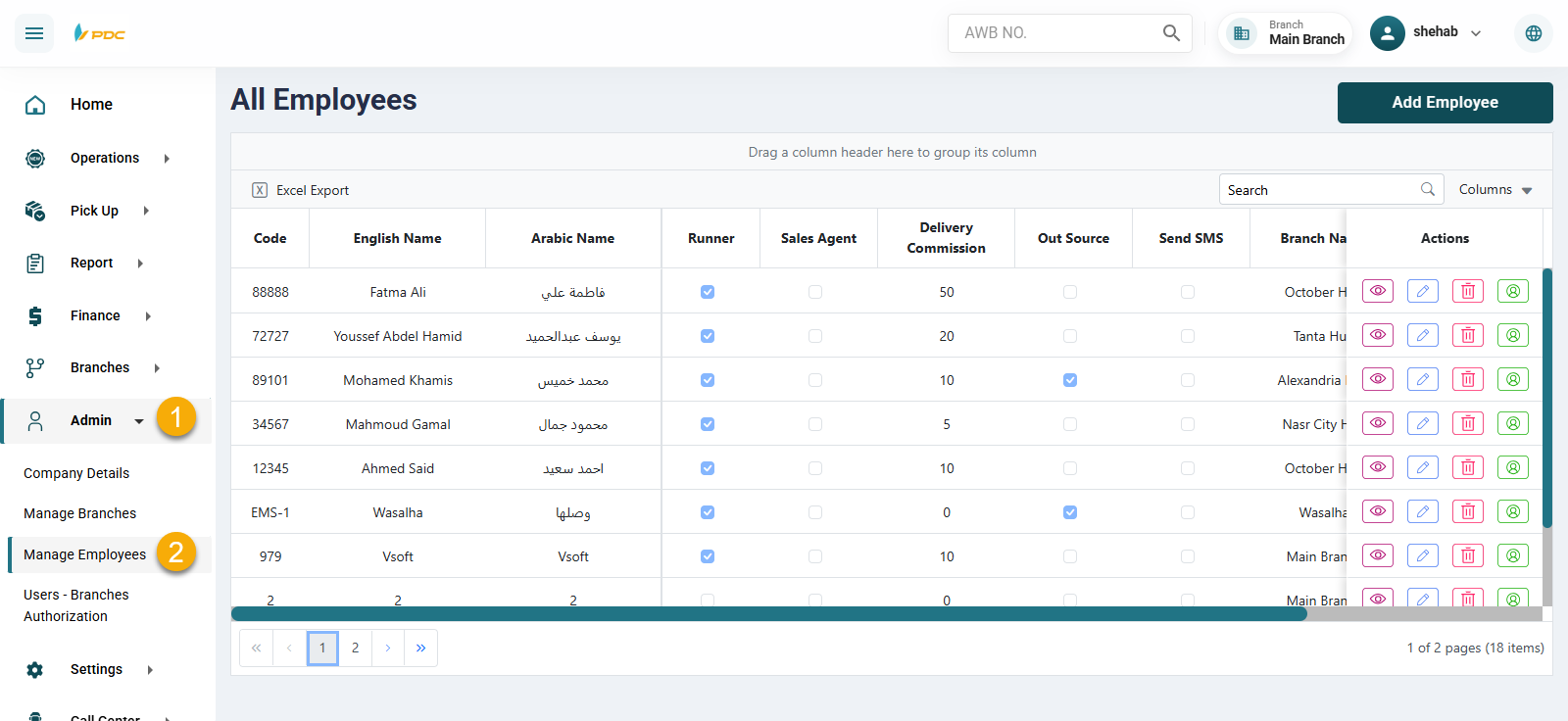
You will now see a dashboard containing all current employees and the actions you can perform for each employee.
System Data section from the sidebar.Employee Management.
You will now see a dashboard containing all current employees and the actions you can perform for each employee.