Item Card Report
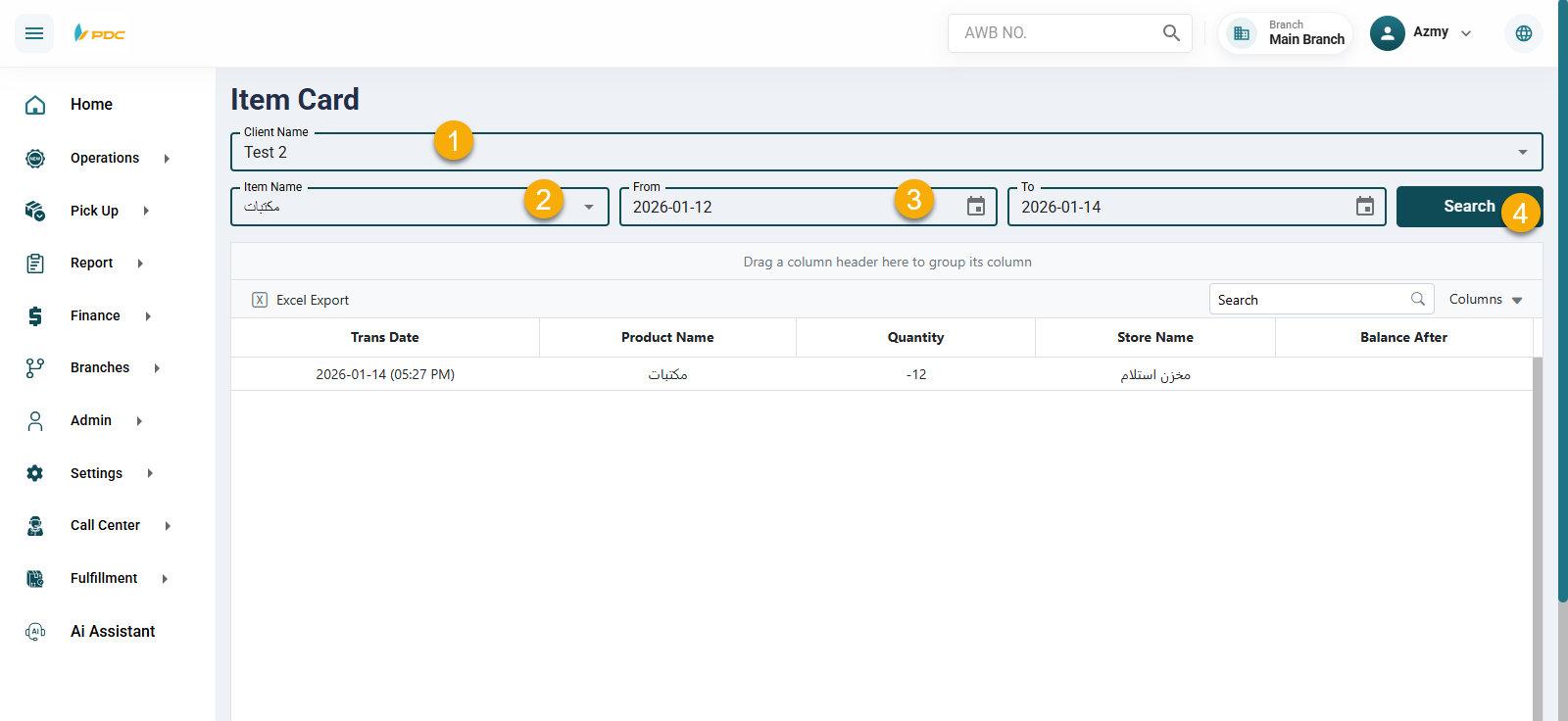
The Item Card Report screen provides a detailed view of item movements within the warehouse for a specific client and product.
Through this screen:
- The user selects the Client Name.
- Selects the Item Name.
- Specifies the date range (From – To).
After entering the required data, the system displays:
- The quantity of the selected item handled within the warehouse during the specified period.
- The operation dates related to the item movements.
This report helps in tracking item history, monitoring stock movement, and ensuring accurate warehouse records for each client and product.