Delete Failure Reason
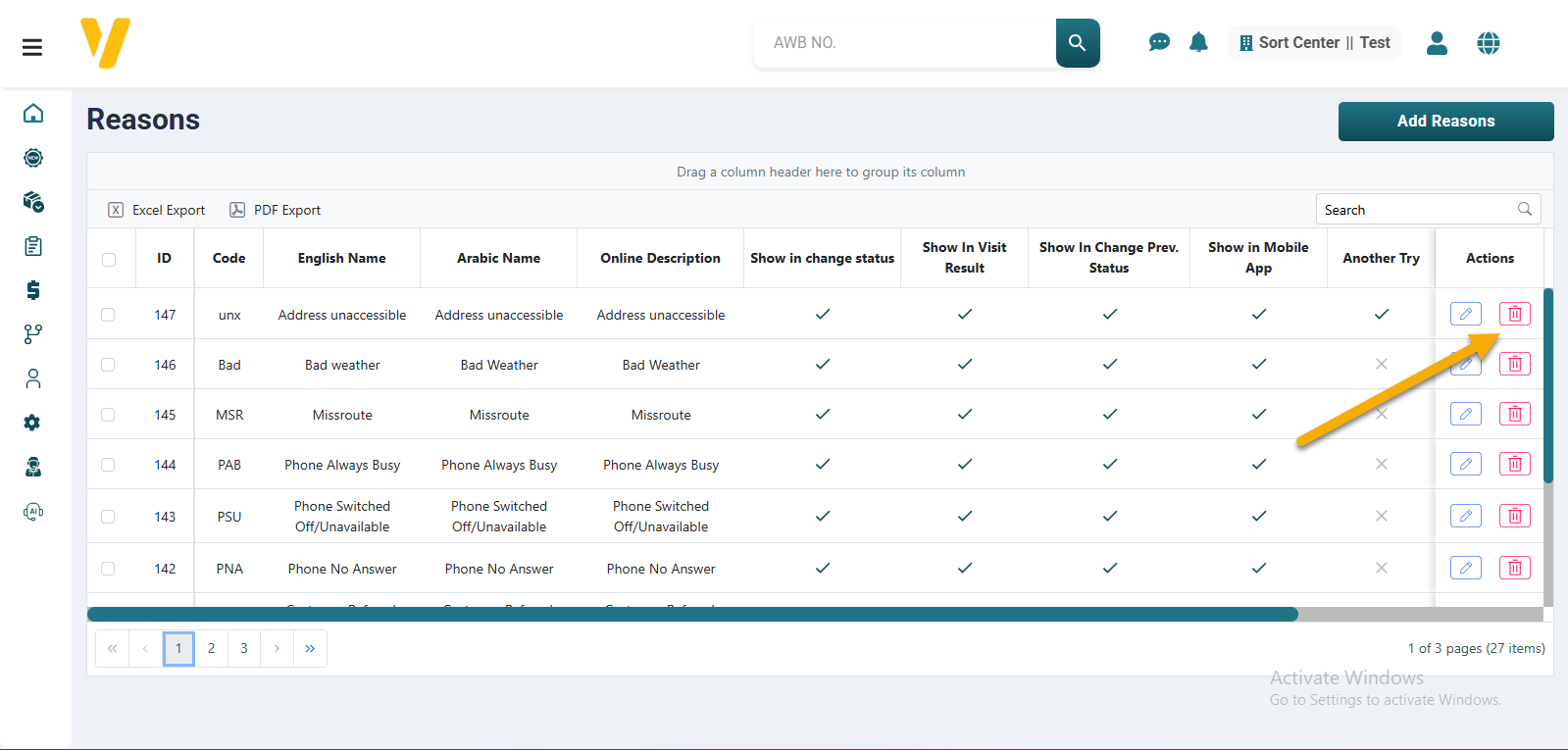
To delete a failure reason from the system:
- Go to
Settings→Failed Delivery Reasons. - Find the reason you want to remove in the table.
- Click the Delete icon (🗑️) in the Actions column next to that reason.
- Confirm the deletion when prompted.
⚠️ Note: Deleted reasons will no longer be available for couriers to select during delivery attempts. Consider deactivating instead of deleting if you might need it later.