Edit Failure Reason
To edit an existing failure reason:
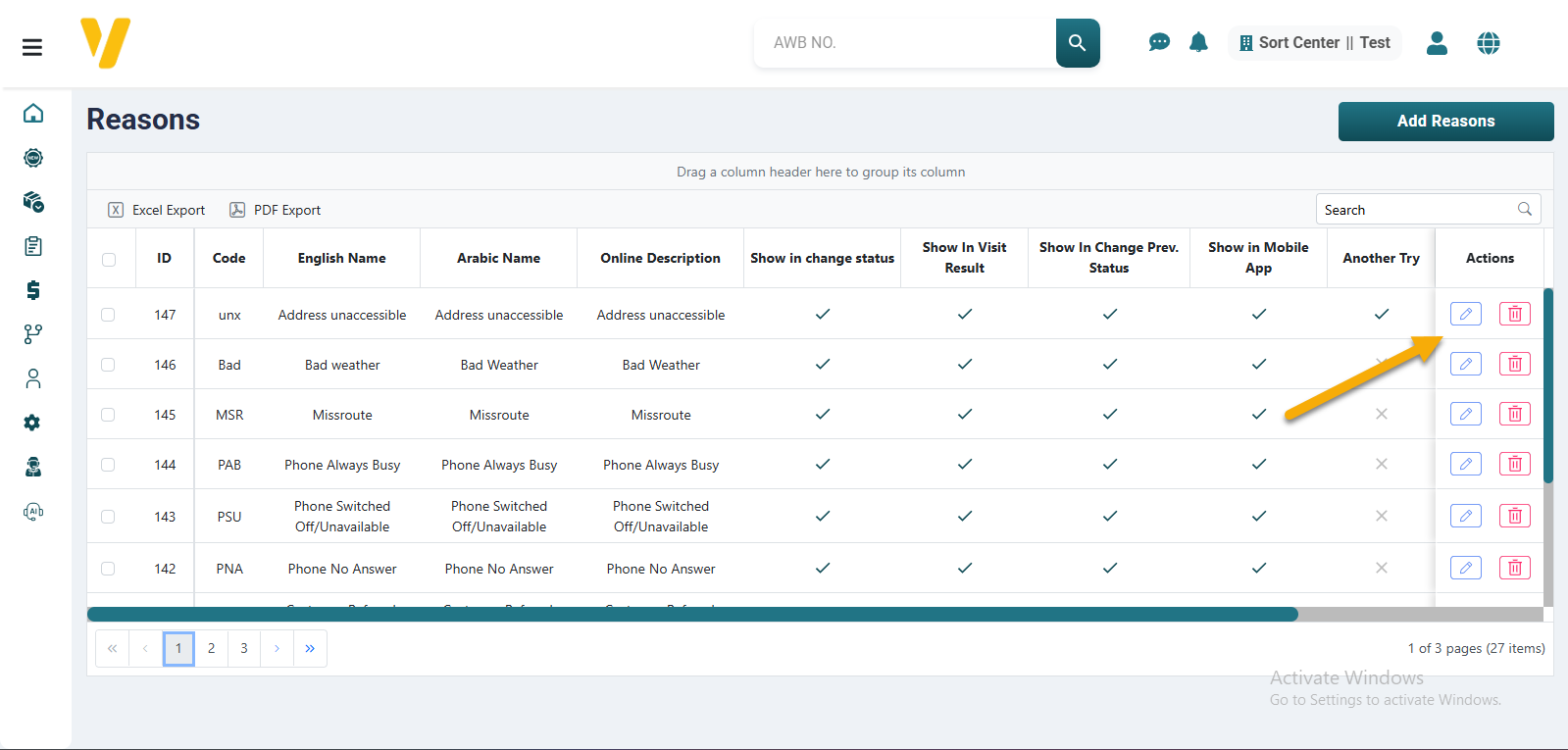
- Go to
Settings→Failed Delivery Reasons. - Find the reason you want to edit in the table — you can use filters for quick access.
- Click the Edit icon (🖉) in the Actions column.
- The edit form will appear with the current values pre-filled.
- Update the necessary fields (e.g., name, notes, status).
- Click Save to apply the changes.
The reason will be updated in the list and available for use.